CineChrome v1.2 — DaVinci Resolve OFX
Your footage.
Film character.
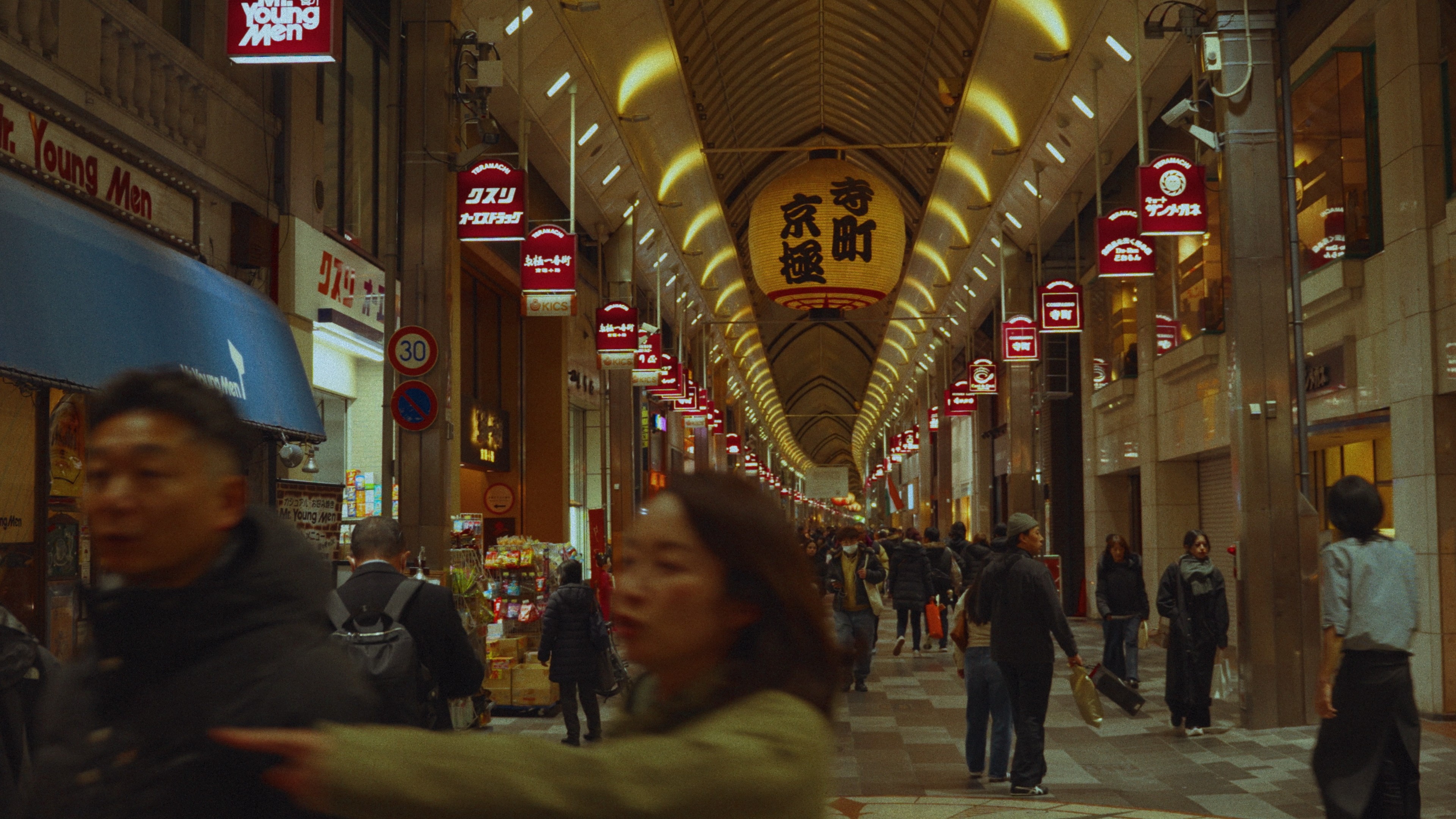
WHY I BUILT THIS
When I started out, I wanted a look that was mine — something nobody else could replicate. So I spent $400 on a color grading plugin when I genuinely couldn't afford it. That decision changed everything. Clients started hiring me specifically because of how my footage looked. I could charge more because nobody else had that look. Brands started reaching out. My following grew because people could recognize my work in the first two seconds of a video. Sony even reached out to tell me they loved what I was doing with their cameras. All of that traces back to one decision — taking color seriously when everyone else was ignoring it. Most people obsess over cameras and lenses and completely neglect color. It's honestly the easiest thing you can do to elevate your footage, and the most overlooked. CineChrome is everything I figured out over six years, collapsed into one node — so you can skip the rabbit hole and just have the look.
Nicholas Klepper
founder, frame theory
HOW IT WORKS
Everything a film pipeline does. One node.
Log conversion built in
Sony, Canon, ARRI, Blackmagic, DJI, RED, Fuji, Nikon, Panasonic. Select your camera and CineChrome handles the rest.
Grain that moves like film
Luminance-weighted, chroma-aware, scaled to your resolution. It moves with the image, not on top of it.
Halation and compression
Film doesn't clip, it rolls off. CineChrome models how real stock responds to highlights so you get a natural shoulder instead of a hard digital clip.
Real-time GPU rendering
Metal on Apple Silicon. CUDA on NVIDIA. Full 4K pipeline at real-time speeds.
Mac and Windows
Built natively for both. Same plugin, same results, same pipeline wherever you work.
Free updates forever
Pay once. Every new film profile and feature ships to you at no extra cost.
THE HONEST COMPARISON
What you're choosing between.
The usual waywithout CineChrome
✗Buy a LUT pack that doesn't account for your camera's log format
✗Build a node tree from scratch on every project
✗Spend hours studying film stills trying to reverse-engineer a stock
✗Switch grades constantly, never quite satisfied
✗Pay $300+ for other plugins and still need to learn the tools
With CineChrome$99.97 one-time
✓Drop one node. Select your camera. Select your stock.
✓Log conversion, grain, halation, vignette — all handled
✓Five real film stocks built from actual color science research
✓Tweak a couple sliders and you're done
✓Try the full thing free before you spend a dollar
One price. Yours forever.
Onetime Payment
$99.97
No subscription. No renewal. No surprises. Pay once and own CineChrome for life — updates included.
Features
Free Trial - Try it out before you buy
Full GPU acceleration — Metal on Mac, CUDA on Windows
All 5 film stock profiles — more coming
Every major camera log format supported
Grain, halation, compression, vignette — full pipeline
2 seat activations included
Free updates, forever
Requires DaVinci Resolve Studio
Questions? We've got answers.
Does CineChrome work with the free version of DaVinci Resolve?
What happens if I get a new computer?
Which cameras and log formats are supported?
Does it work on Mac and Windows?
Do I get free updates?
Why one-time and not a subscription?
Your footage.
Film character.
One-time payment. Two activations. Yours forever.